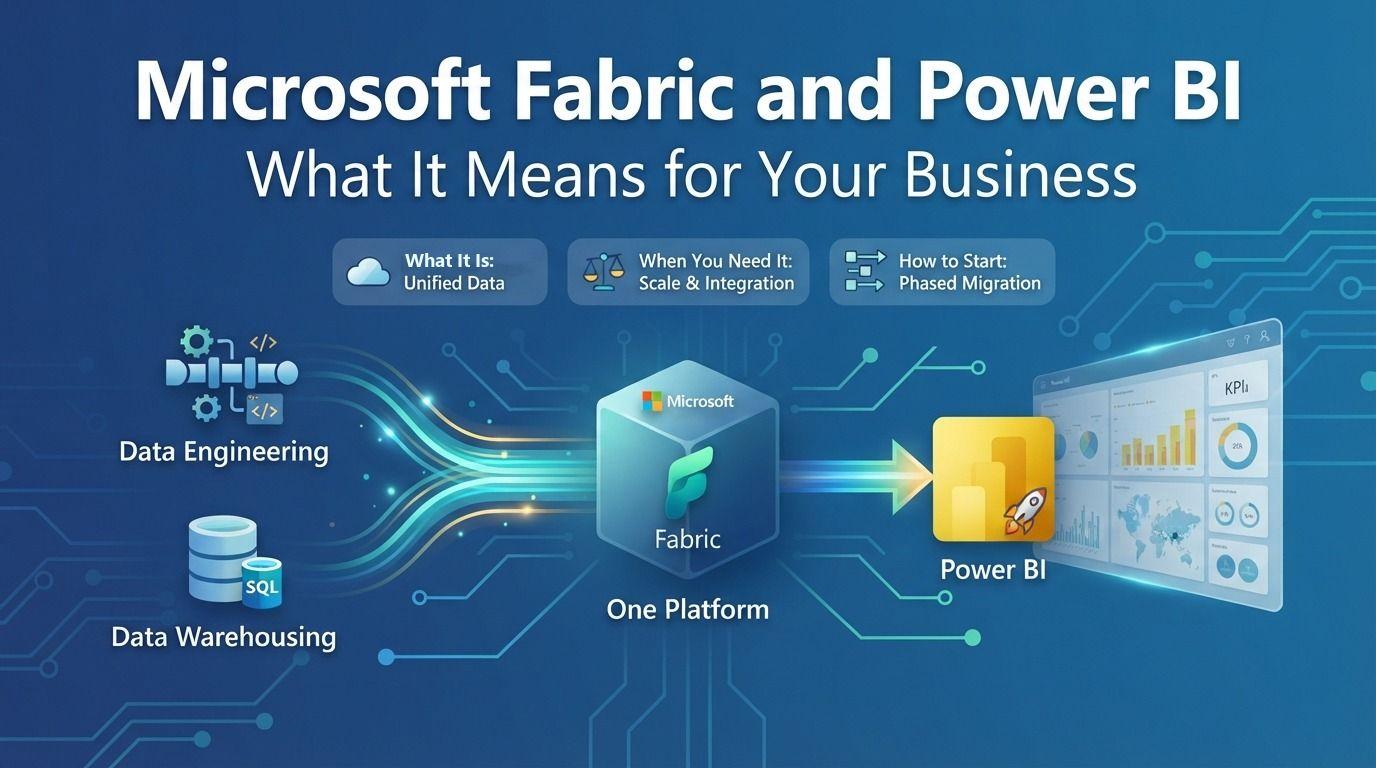
If you use Power BI, you've probably heard about Microsoft Fabric. Some people describe it as the future of Power BI. Others aren't sure whether it changes anything for them at all.
In this article I'll explain what Fabric is in plain language, how it relates to the Power BI you already use, and how to decide whether your business needs it now.
What is Microsoft Fabric?
Microsoft Fabric is an all-in-one analytics platform. It brings together the tools a company needs to collect, store, prepare and analyze data, in one place, under one login and one set of permissions.
Before Fabric, a typical data setup used several separate products: one tool to move data, another to store it, another to transform it, and Power BI at the end to report on it. Each had its own setup, security and costs. Fabric puts all of these into one service, and Power BI is part of it.
The key parts, explained simply
- OneLake: a single storage area for all your company's data, often described as "OneDrive for data". Data is stored once and every tool reads the same copy
- Lakehouse and Warehouse: places to store and organize large amounts of data, for data engineers (Lakehouse) and SQL users (Warehouse)
- Data Factory: pipelines and Dataflows Gen2 to bring data in from ERP systems, databases, files and cloud apps, on a schedule
- Notebooks: for advanced data preparation and data science, using Python or Spark
- Real-Time Intelligence: for streaming data such as sensors, transactions or website activity
- Power BI: reports and dashboards, as before, now reading directly from OneLake
What changes for Power BI users
For report users, very little changes. Reports look and work the same.
For the people who build and maintain reports, a few things improve:
- Direct Lake mode. Power BI can read data straight from OneLake without importing a copy, combining the speed of import mode with data that is always current
- No more duplicated data preparation. Clean data once in the Lakehouse, and every report and team reuses it
- Larger data volumes. Fabric handles data that would be too big or too slow for a normal Power BI import
- One place for governance. Security, data lineage and sensitivity labels are managed in one platform
Does your business need Fabric?
Fabric is powerful, but not every company needs it on day one.
You probably need Fabric if:
- Your data comes from many systems and is getting hard to combine in Power Query alone
- Refreshes are slow or fail because data volumes have grown
- Several teams build their own copies of the same data
- You want one central, governed data platform for the whole company
You can probably wait if:
- You have a few data sources and modest data volumes
- Your reports refresh reliably within the limits you have today
- A small team builds and uses the reports
Fabric runs on capacity, which is a different licensing model from per-user Power BI licenses. It's worth reviewing your usage and licensing options with someone experienced before committing.
How to start without a big-bang migration
The most successful Fabric projects start small:
- Pick one pain point, such as a slow dataflow or a report that combines many sources.
- Run a pilot: move that data preparation into a Lakehouse using Dataflows Gen2 or a pipeline.
- Connect a Power BI semantic model to the Lakehouse using Direct Lake, and compare speed and refresh reliability.
- Set up governance early: workspace structure, access rights and naming conventions.
- Expand step by step, one subject area at a time, such as finance first, then sales, then supply chain.
Common mistakes to avoid
- Moving everything at once. It adds risk without adding value
- Skipping data modeling. A star schema still matters in Fabric. A messy model is still messy, just bigger
- Ignoring capacity monitoring. Keep an eye on how capacity is used so performance and costs stay predictable
- Treating it as an IT-only project. The business users who own the reports must be involved from the start
Final thoughts
Microsoft Fabric is the direction Microsoft is taking for data and analytics, and Power BI sits at its center. For many companies, the right move is not a big migration but a step-by-step journey: solve one real problem, prove the value, then grow.
Tecrionix helps organizations plan and deliver Power BI and Microsoft Fabric reporting solutions, from BI strategy and semantic models to dashboards. Learn more about our BI consulting services, or contact us to discuss your BI requirements.